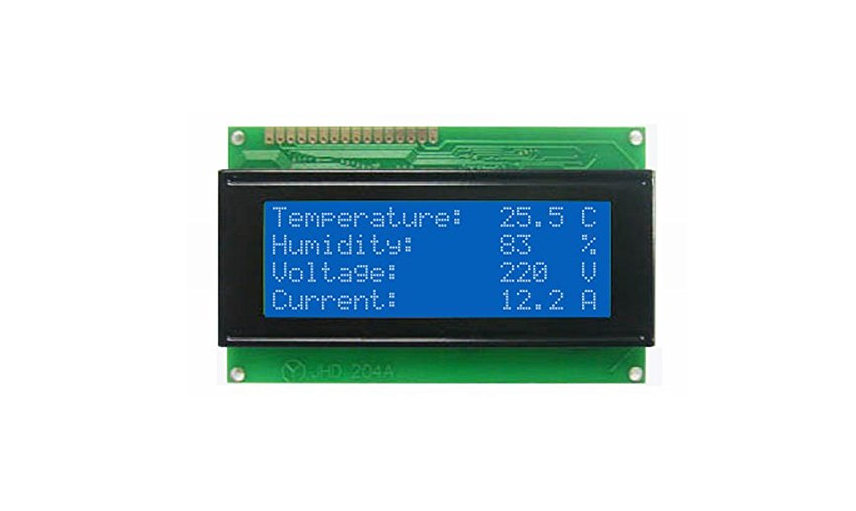
2004 LCD Display Module
= 20x4 Character Screen for Arduino and DIY Projects =
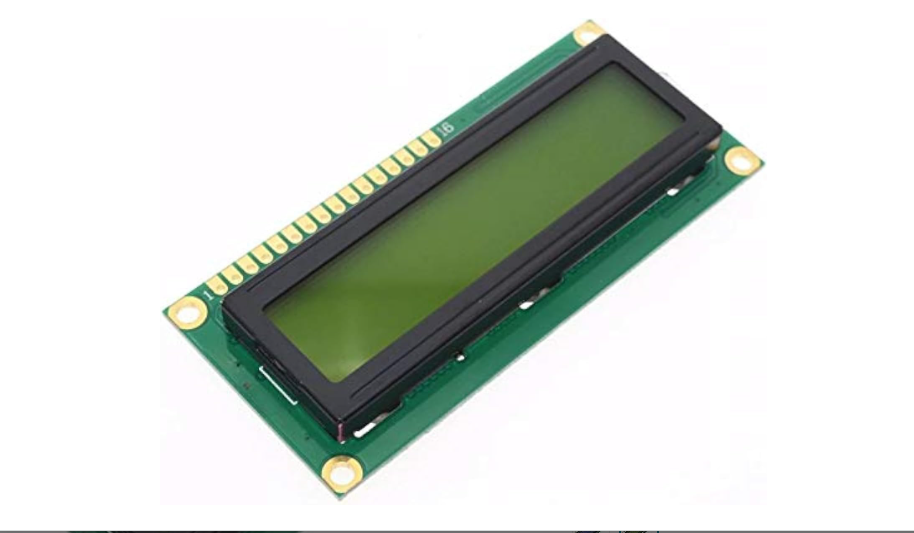
The 2004 LCD is a 20x4 character display module, providing 4 lines of 20 characters to present text and numbers in Arduino and embedded projects. It is a popular choice when more display space is needed than the standard 16x2 screen .
20x4 character display - Ideal for data logging, menus, and status information
Options: Parallel 16-pin and I2C versions available
Operating voltage is typically 5V DC, with 3.3V variants also available
For easier wiring, choose an I2C variant requiring only 2 signal wires
= Specifications =
| Parameter | Value |
|---|
| Characters | 20 x 4 lines |
| Dots per character | 5 x 8 |
| Interface | Parallel (16-pin) or I2C/SPI |
| Supply Voltage | 3.3V or 5V DC |
| Module Size | ~98 x 60mm |
| Active Area | ~70 x 20mm |
| Controller | HD44780 (parallel) or equivalent |
| Backlight | Blue, Green, White, Yellow-Green, RGB |
= Key Features =
+Known as 20x4 or 2004 LCD, used extensively with Arduino
+Clear display with adjustable contrast and backlight
+Parallel version uses 6 or 10 pins; I2C uses 2 pins
+Compatible with LiquidCrystal and LiquidCrystal_I2C libraries
Operating temperature: -20°C to 70°C
== Applications ==
- Data logging displays
- Menu and status interfaces
- Weather and monitoring stations
- Alarm and security systems
- DIY and industrial control panels
Versatile character display - Works with many microcontrollers
Userfriendly Easy to program with standard libraries
√ Widely available in parallel and I2C formats
√ Backlight control via software
√ Common choice for Arduino and ESP projects
= Connection and Usage =
Parallel (16-pin) version:
- Uses pins: VSS, VDD, VO, RS, R/W, E, D0-D7, A, K
- Requires 6 or 10 GPIO pins
- Uses
LiquidCrystal library
I2C version:
- Uses 4 pins: VCC, GND, SDA, SCL
- I2C addresses: 0x27 or 0x3F
- Uses
LiquidCrystal_I2C library
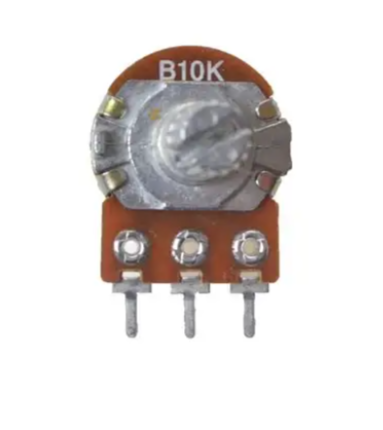
For parallel connection, use a 10kΩ potentiometer to adjust contrast
For I2C version, check the address with an I2C scanner sketch
Avoid applying voltage above specified maximum (5.5V or 3.6V)
Do not exceed -20°C to +70°C operating range
= Troubleshooting =
No display:
- Check power and contrast adjustment
- Verify wiring for parallel or I2C connections
- Ensure library is correctly installed
Garbled characters:
- Check baud rate and initialization sequence
- Verify address for I2C version