1 / 4
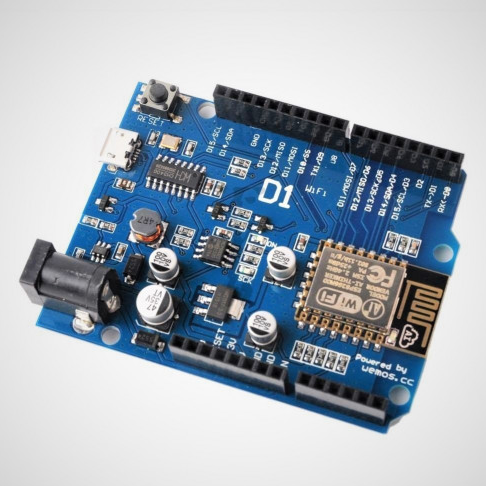
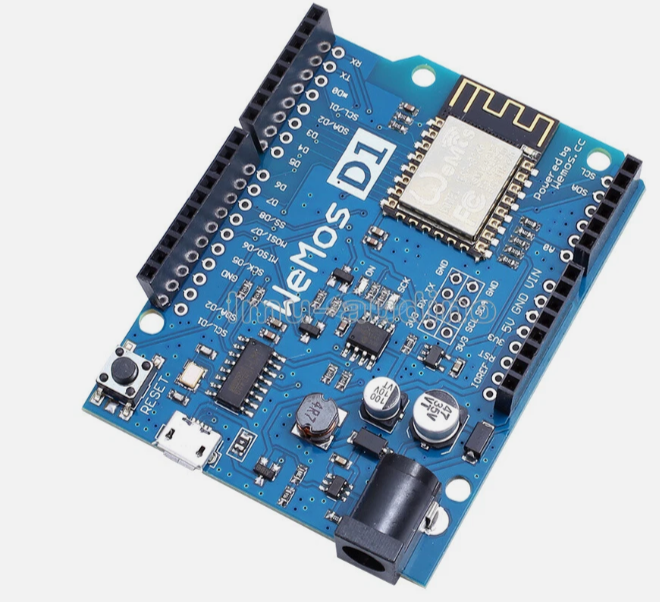
WEMOS D1 Mini ESP8266 Development Board – KSH 1,300 at HIMA TRONICS Mombasa – Top quality microcontrollers. Best electronics in Kenya. Shop now for Arduino, ESP32, sensors and IoT devices.
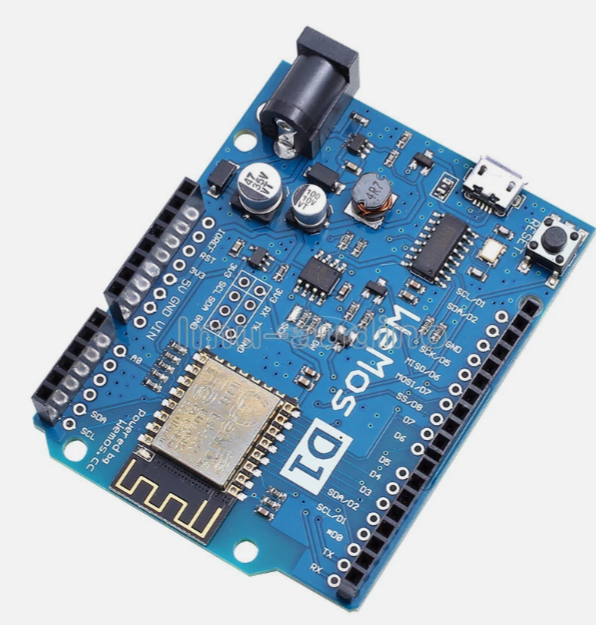
WEMOS D1 Mini ESP8266 Development Board – KSH 1,300 at HIMA TRONICS Mombasa – Top quality microcontrollers. Best electronics in Kenya. Shop now for Arduino, ESP32, sensors and IoT devices. - View 2
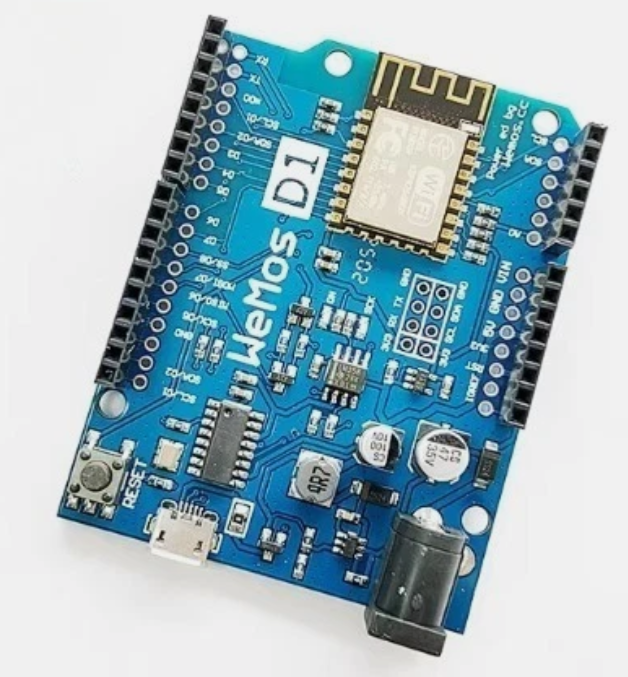
WEMOS D1 Mini ESP8266 Development Board – KSH 1,300 at HIMA TRONICS Mombasa – Top quality microcontrollers. Best electronics in Kenya. Shop now for Arduino, ESP32, sensors and IoT devices. - View 3
WEMOS D1 Mini ESP8266 Development Board – KSH 1,300 at HIMA TRONICS Mombasa – Top quality microcontrollers. Best electronics in Kenya. Shop now for Arduino, ESP32, sensors and IoT devices. - View 4

WEMOS D1 Mini ESP8266 Development Board

SKU: HMJ035 Category: Microcontrollers
KSH 1,300.00
In Stock
Inquire
Product Description

WEMOS D1 Mini ESP8266 Development Board

= Compact WiFi-Enabled IoT Module for Arduino Projects =

The WEMOS D1 Mini is a compact development board built around the ESP8266EX chip, offering integrated WiFi connectivity in a small form factor. It is Arduinocompatible, making it ideal for budget IoT projects and wireless sensor networks .

ArduinoCompatible WiFi Module 4MB flash, 80/160MHz CPU, and USB programming
Compact Form Factor 34.2mm x 25.6mm, stackable shield ecosystem, and breadboardfriendly
Supply voltage is 5V via MicroUSB (V4.0: USBC) or 5V pin; I/O pins operate at 3.3V logic
For Arduino IDE, select "LOLIN(WEMOS) D1 R2 & mini" board and install CH340 driver
GPIO pins are not 5V tolerant - use level shifters for 5V devices

= Technical Specifications =

ParameterValue
MicrocontrollerESP8266EX (Tensilica L106)
Clock Speed80MHz / 160MHz
Flash Memory4MB
SRAM~80KB
Wi-Fi802.11 b/g/n (2.4GHz)
Digital I/O11 pins (3.3V logic)
Analog Input1 pin (0-3.2V max)
USB ConnectorMicroUSB (V4.0: USBC)
USBtoSerialCH340 (CP2104 on Pro version)
Dimensions34.2mm x 25.6mm

= Pin Configuration =

PinFunctionESP8266 PinArduino IDE
D0IOGPIO1616
D1IO, SCLGPIO55
D2IO, SDAGPIO44
D3IO, 10k Pull-upGPIO00
D4IO, Built-in LEDGPIO22
D5IO, SCKGPIO1414
D6IO, MISOGPIO1212
D7IO, MOSIGPIO1313
D8IO, 10k Pull-downGPIO1515
A0Analog Input (0-3.2V)ADCA0
TX/RXSerial UARTGPIO1/GPIO31/3
5V5V Power Input--
3V33.3V Output--
All GPIO pins support interrupt, PWM, I2C, and One-Wire, except D0
Use D4/GPIO2 for built-in LED (active LOW)
D3/GPIO0 must be HIGH at boot; D8/GPIO15 must be LOW at boot

= Key Features =

Integrated WiFi Builtin 2.4GHz 802.11 b/g/n with TCP/IP stack

USB Programming CH340 USBto-serial simplifies firmware uploads

Stackable Shields - Extensive ecosystem of compatible shields

Multiple Firmware - Supports Arduino IDE, MicroPython, and NodeMCU

Builtin LED User-controlled on D4/GPIO2

== Applications ==

  1. IoT sensors and smart home automation
  2. Wi-Fi remote control and monitoring
  3. Environmental data logging
  4. Weather stations and agricultural monitors
  5. Wi-Fi connected robotics projects
Mature Platform - Extensive community support and libraries
Affordable Entry Lowcost solution for basic IoT projects

√ Compatible with Arduino IDE, ESP-IDF, and MicroPython

√ USB port for power and programming

√ Available with MicroUSB (V3) or USBC (V4)

= Getting Started =

  1. Install CH340/CP2104 USB driver if needed
  2. In Arduino IDE, go to Preferences and add the ESP8266 board URL
  3. Install ESP8266 board package via Boards Manager
4. Select board"LOLIN(WEMOS) D1 R2 & mini"
  1. Upload sketch via USB
Use a data-capable USB cable for reliable programming
For Windows, install CH340 driver from the manufacturer
Avoid powering high-current peripherals from the 3.3V pin
USB port voltage is 5V - ensure external power matches

= Troubleshooting =

Board not detected:

  • Use a datacapable USB cable (not chargeonly)
  • Install CH340/CP2104 USB driver
  • Try a different USB port

Upload fails:

  • Check correct board selection in Arduino IDE
  • Verify port selection matches connected device
  • Put board into bootloader mode by holding FLASH button during upload

Wi-Fi connection issues:
  • Use 2.4GHz network only (5GHz not supported)
  • Verify SSID and password
  • Check signal strength and range