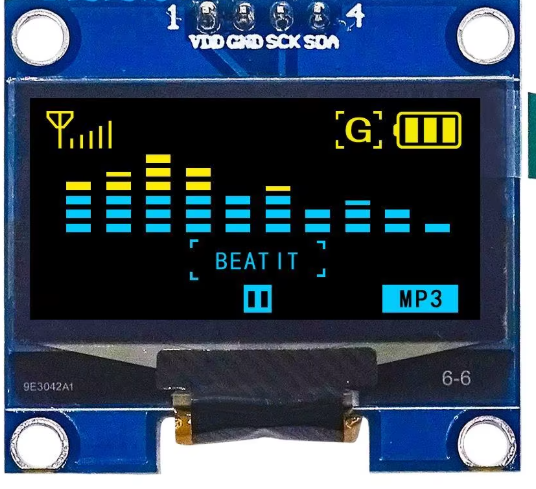
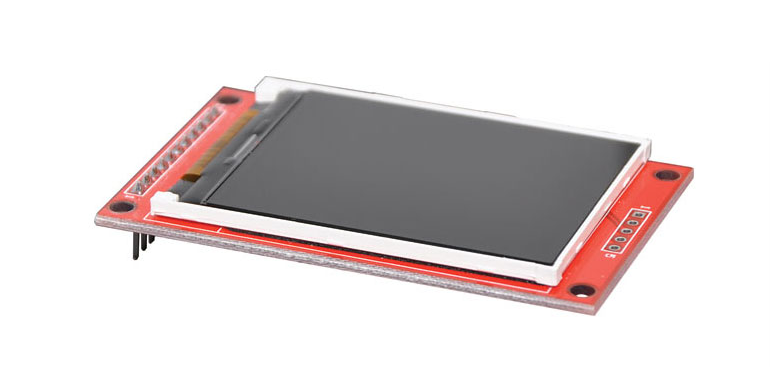
SH1106 1.3 Inch OLED Display Module
= HighResolution 128x64 OLED Screen with MultiInterface Support =
This 1.3 inch OLED module features the SH1106 driver chip and a 128x64 pixel resolution, delivering clear, highcontrast monochrome visuals for Arduino, ESP32, and Raspberry Pi projects . With support for 3wire SPI, 4-wire SPI, and I2C interfaces, this display offers versatile connectivity options .
HighResolution Display 128x64 pixels on a 1.3-inch screen with >160° viewing angle
MultiInterface Support Works with 3wire SPI, 4wire SPI, and I2C protocols
Operating voltage: 3.3V to 5V, compatible with both 3.3V and 5V logic systems
The module uses the SH1106 driver. While some SSD1306 libraries may partially work, using a dedicated SH1106 library is highly recommended for full compatibility
= Technical Specifications =
| Parameter | Value |
|---|
| Driver Chip | SH1106 |
| Resolution | 128x64 pixels |
| Display Size | 1.3 inch |
| Viewing Angle | > 160° |
| Operating Voltage | 3.3V / 5V |
| Interfaces | 3wire SPI, 4wire SPI, I2C |
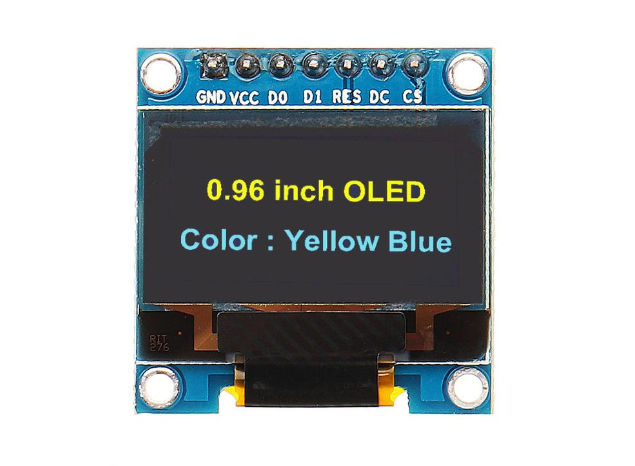
= Pin Configuration (8-Pin Version) =
| Pin | Description |
|---|
| VCC | Power (3.3~5V) |
| GND | Ground |
| NC | Not connected |
| DIN | SPI data input / I2C SDA |
| CLK | SPI clock / I2C SCL |
| CS | Chip select (active low) |
| D/C | Data/Command selection |
| RES | Reset (active low) |
= Key Features =
+High Contrast OLED Technology Selfemissive pixels provide excellent visibility without backlight
+Flexible Interface Options - Selectable between SPI and I2C via onboard configuration resistors
+Wide Compatibility - Works with Arduino, ESP32, STM32, and Raspberry Pi
+BreadboardFriendly Pre-soldered pins for easy prototyping
== Applications ==
- Sensor data display for IoT projects
- Menu interfaces and status indicators
- Wearable and portable device screens
- Smart home and automation dashboards
Sharp and Clear Display - Excellent contrast ratio for crisp text and graphics
Highly Compatible - Works with most major microcontroller platforms
√ Available with curved (A) or straight (B) pin headers
√ Dedicated SH1106 libraries available for Arduino
√ 4pin I2Conly version also available with pre-soldered pins
= Troubleshooting =
Display not showing content:
- Verify correct voltage supply (3.3V or 5V)
- Check that the correct interface mode (SPI/I2C) is selected on the module
- Use a dedicated SH1106 library; some SSD1306 libraries may not work correctly
Garbled or missing display:
- Confirm the display resolution is set to 128x64 in your code
- Verify wiring matches the interface mode being used
- Check that the RES pin is properly connected